10 Best Brand Management Tools for Social-First Teams in 2026
Compare and explore the 10 best brand management tools for 2026.

From TikTok trends to Instagram aesthetics to LinkedIn thought leadership, audiences expect brands to show up consistently everywhere, all the time. And let’s be honest: keeping your tone, visuals, messaging, and strategy aligned across every platform can feel like trying to juggle while your notifications explode.
That’s where brand management tools come in. Think of them as your brand’s digital control center, helping teams organize content, maintain consistency, collaborate faster, and keep every post looking and sounding on-brand. Whether you’re managing a global campaign, working with creators, or just trying to stop five different versions of your logo from floating around the internet, the right tool can seriously save your sanity.
Key Takeaways:
- Brand management tools centralize and streamline marketing workflows with content scheduling, analytics, social listening, and more.
- The best platforms combine AI, automation, and collaboration for predictive insights, approval flows, and shared calendars.
- Different tools serve different purposes with smaller teams benefitting more from simpler platforms like Canva, or Buffer, while enterprise brands may need something more substantial like Dash Social or Bynder.
- Choosing the right tool depends more on how it fits into your current workflow than having every feature under the sun.
What Are Brand Management Tools?
Brand management tools help teams plan content, manage customer engagement, track performance, and keep every channel aligned in one place.
Instead of bouncing between 15 tabs and three mental breakdowns, brands use these tools to stay organized, keep messaging unified, and make smarter marketing decisions faster. They bring content planning, trend monitoring, creator management, and ROI reporting into one workflow, so brands can show up online with clarity, consistency, and confidence.

Key Features To Look For in Brand Management Software
Choosing brand management software is like adding a new team member. It should make your team faster, sharper, and more confident without adding extra steps to an already busy workflow.
The best platforms give teams a clear system for planning, publishing, tracking, and improving brand performance across channels. They help you spot what’s working, act on trends faster, and keep every campaign aligned from first idea to final report.
Here are the features brands should absolutely prioritize:
- Content Scheduling and Publishing: Because posting every piece of content manually gets old fast. Social scheduling tools help brands plan, stay unified, and hit those peak engagement windows without living online 24/7.
- Analytics and Performance Tracking: Pretty posts are cute, but performance matters. Strong analytics tools help brands understand what’s working, what’s flopping, and where to double down for better engagement and ROI.
- Social Listening and Brand Monitoring: If people are talking about your brand online, you need to know about it. Social listening tools help track mentions, trends, and conversations so brands can jump in before the moment passes.
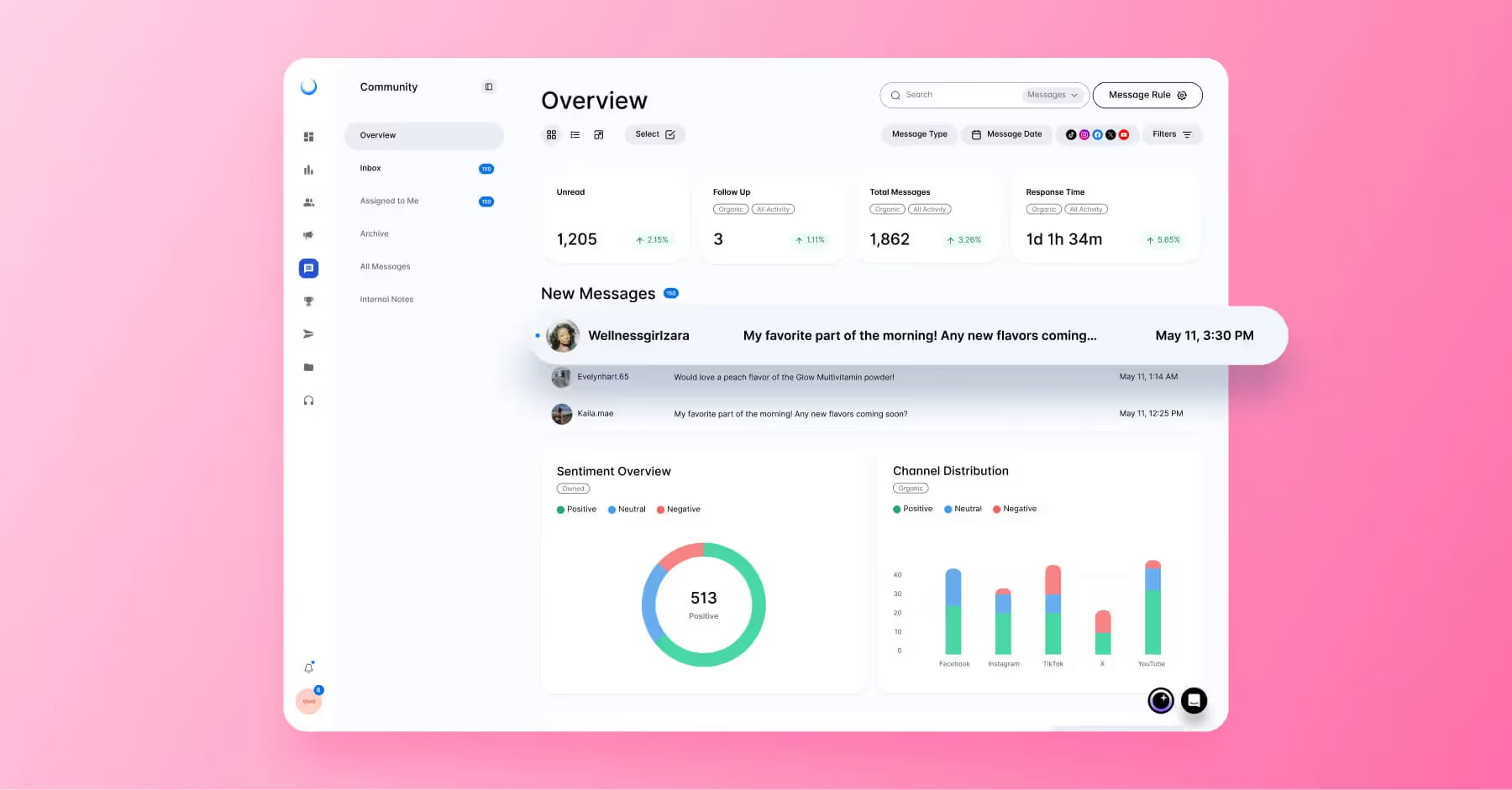
- Community and Inbox Management: Comments, DMs, tags, replies. Notifications never sleep. Community management tools help teams respond faster and build stronger customer relationships without missing important conversations.
- Collaboration and Workflow Tools: Social media is rarely a one-person show. Collaboration and workflow tools, approval flows, shared calendars, and internal notes help teams stay aligned and avoid the dreaded “wait… who posted this?” moment.
- Automation and AI Features: AI is becoming a core part of the social media manager’s workflow. From caption ideas and automated reporting to trend spotting and performance insights, AI tools help teams save time, move faster, and make smarter decisions with more confidence.
- Integrations and Ecosystem Compatibility: Your tools should talk to each other. The best platforms integrate smoothly with CRMs, analytics tools, social platforms, and other marketing systems to keep your workflow seamless.
The right brand management software gives teams the structure to move quickly without losing the details that make a brand recognizable. It turns scattered content, feedback, approvals, and reporting into a clearer workflow, so every post feels intentional, and every decision is backed by insight.
The Best Brand Management Tools and Software for 2026
Let’s be real, there are a lot of brand management tools out there right now, and narrowing them down can send you down a rabbit hole fast. Social scheduling, analytics, asset management, approvals, collaboration, every platform claims it can make your team’s life easier.
That’s why we did the heavy lifting for you. We’ve rounded up some of the best brand management tools for 2026. From social-first powerhouses like Dash Social and Sprout Social to creative workflow favorites like Canva and Frontify, to help you narrow down your options and find the right fit for your team, goals, and workflow.
1. Dash Social
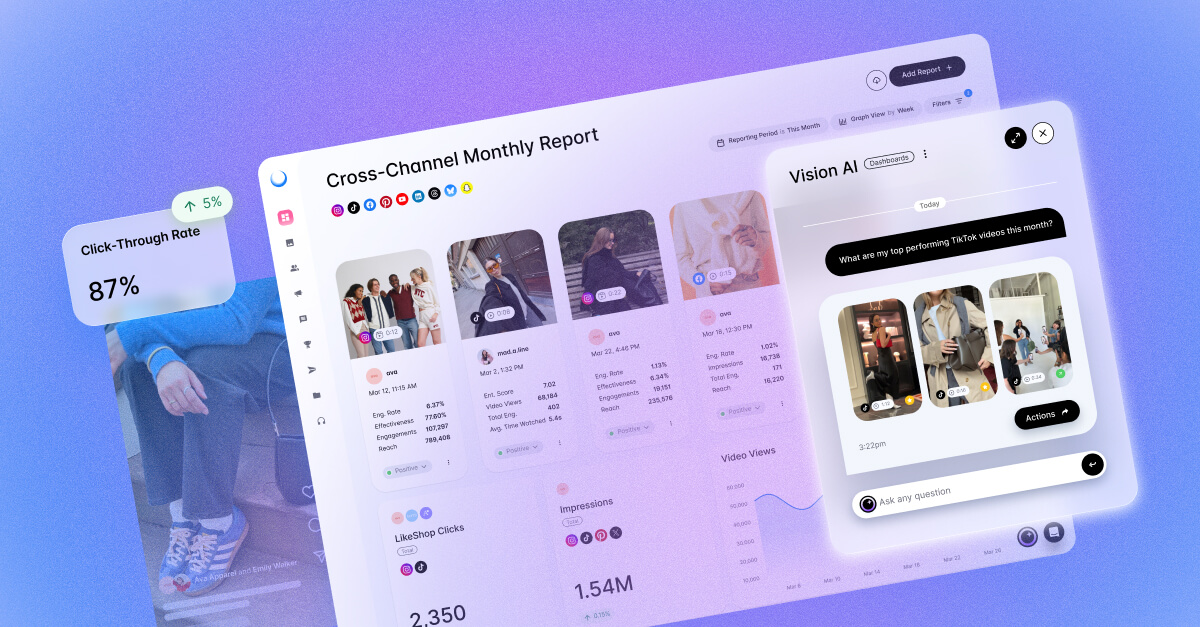
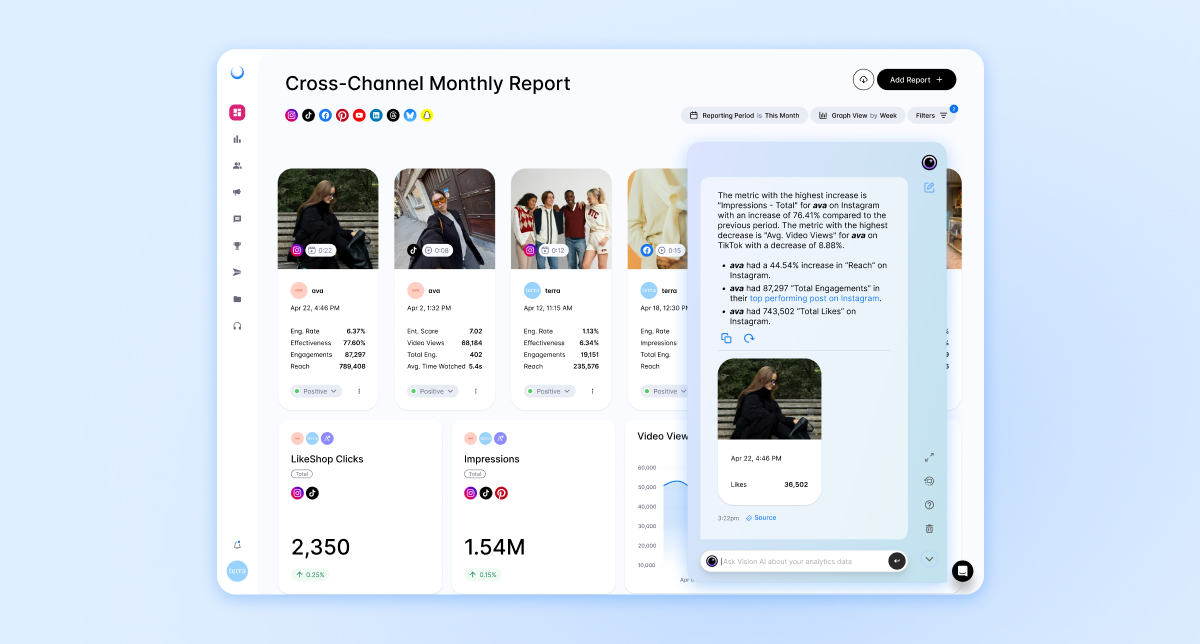
Dash Social is an AI-powered social media management platform that helps brands level up everything from content strategy and creator management to analytics and community engagement, all in one platform. It’s built to help brands stop guessing and start making data-backed moves that actually drive results.
Key Features:
- Predictive AI and performance insights to help brands understand what content will hit before posting.
- Creator Management tools for sourcing, managing, and tracking influencer partnerships.
- Cross-channel analytics and social listening to monitor performance, trends, and audience behavior in real time.
Best For: Mid-sized to enterprise brands, especially in industries like fashion, beauty, retail, lifestyle, food and beverage, and media that thrive on strong visual content and community-driven marketing.
Pricing/Packaging Options: Starts at $999/month.
2. Bynder
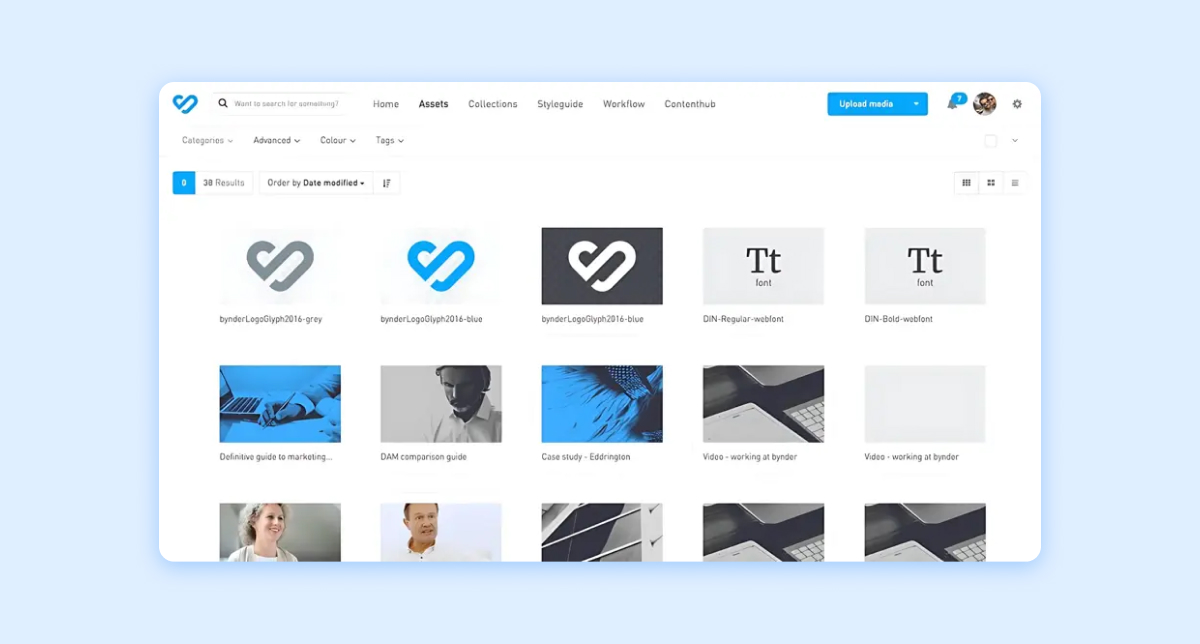
When brand assets are scattered across too many folders, Bynder helps bring order to the chaos. The digital asset management platform gives teams one place to organize, manage, and distribute content, making it easier to keep every asset polished, current, and on-brand.
Key Features:
- Digital Asset Management (DAM) to store, organize, and instantly find approved brand assets without the endless Slack searches.
- Brand Templates and Guidelines to keep everyone on-brand with customizable templates and centralized brand rules.
- Creative Workflow Automation to streamline approvals, feedback, and collaboration so projects stop getting stuck in review limbo.
Best For: Mid-sized to enterprise brands, especially in retail, fashion, beauty, tech, and marketing-heavy industries, managing lots of creative content across teams.
Pricing/Packaging Options: Custom pricing based on business needs and team size.
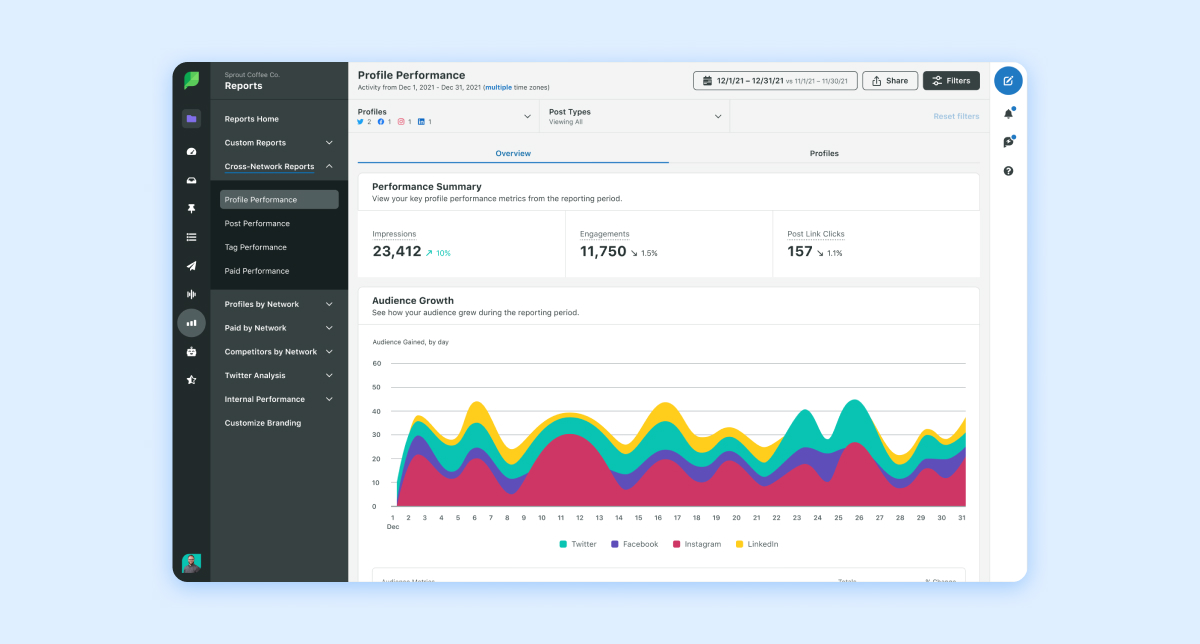
3. Sprout Social
For teams comparing brand management tools, Sprout Social fits best as a social operations platform. It helps bring structure to everyday channel management, especially for teams focused on community engagement, reporting, and keeping social activity organized across multiple accounts.
Key Features:
- Smart Inbox that pulls all your social messages into one place so your team isn’t bouncing between apps all day.
- Social Listening Tools to monitor brand mentions, trends, and audience sentiment in real time.
- Advanced Analytics and Reporting that turns social data into easy-to-understand insights that marketers actually want to look at.
Best For: Mid-sized to enterprise brands, agencies, retail, hospitality, and customer-care-focused teams that need strong collaboration and reporting tools.
Pricing/Packaging Options: Offers multiple pricing tiers starting at $199/month per seat for the Standard plan, with Professional and Advanced packages available.
4. Hootsuite
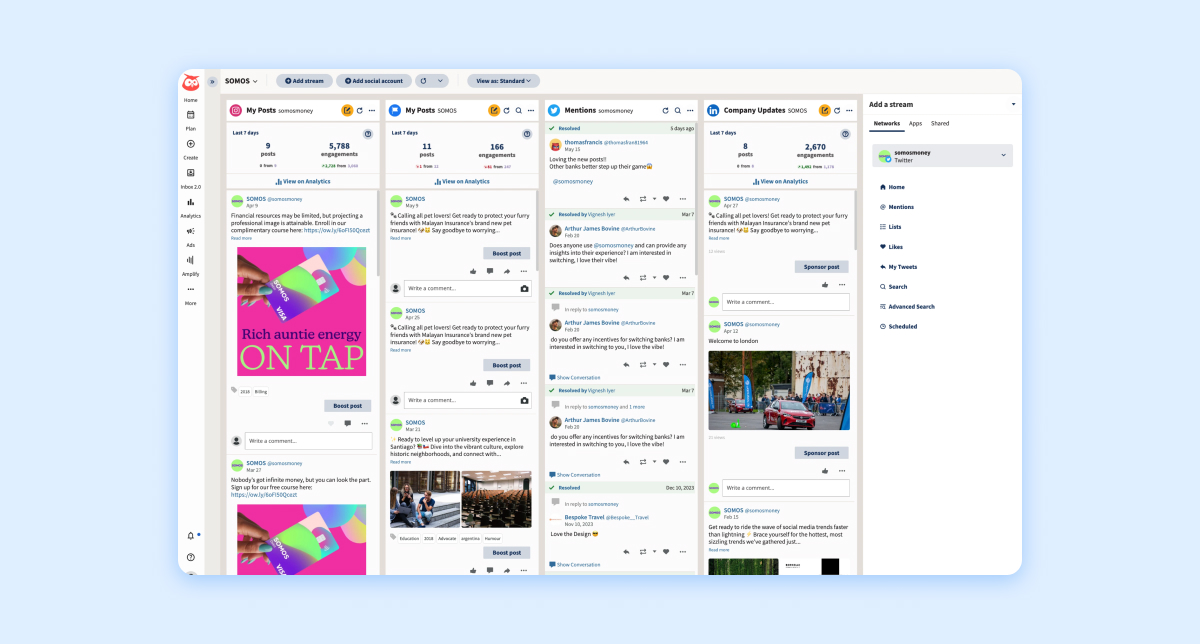
Hootsuite is a social media management platform built for teams managing multiple channels at once. From scheduling posts to tracking engagement and social media monitoring across multiple platforms, it helps social teams stay organized without switching between apps every five seconds.
Key Features:
- Social Media Scheduling to help plan and publish content across multiple platforms from one dashboard.
- Social Listening and Monitoring to keep tabs on mentions, trends, and audience conversations in real time.
- Analytics and Reporting for tracking performance metrics and turning data into actionable insights for your strategy.
Best For: Small to enterprise-level businesses, especially brands managing multiple social channels, agencies handling several clients, and teams focused on customer engagement and community management.
Pricing/Packaging Options: Plans starting at $99/month for professionals, with more advanced team and enterprise packages available for larger organizations.
5. CoreMedia
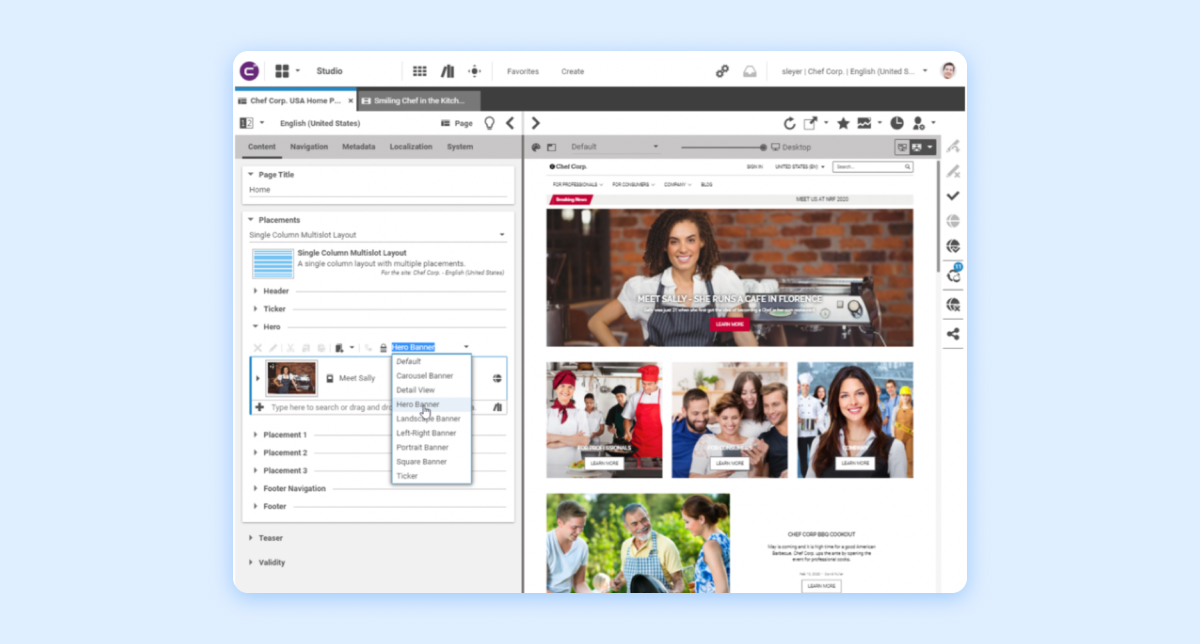
CoreMedia is a digital experience and content management platform that helps brands keep their messaging, visuals, and customer experiences coordinated across every channel. Think of it as the behind-the-scenes brain helping global brand strategy stay organized, cohesive, and ready to deliver personalized content at scale.
Key Features:
- Omnichannel Content Management to manage and publish content across web, social, and e-commerce from one place.
- AI-Powered Personalization to deliver tailored customer experiences based on behavior and preferences.
- Commerce Integrations to seamlessly connect content with shopping experiences for smoother conversions.
Best For: Mid-sized and enterprise brands, especially in retail, e-commerce, media, and lifestyle, that manage high volumes of content across multiple platforms.
Pricing/Packaging Options: CoreMedia does not disclose its pricing.
6. Canva
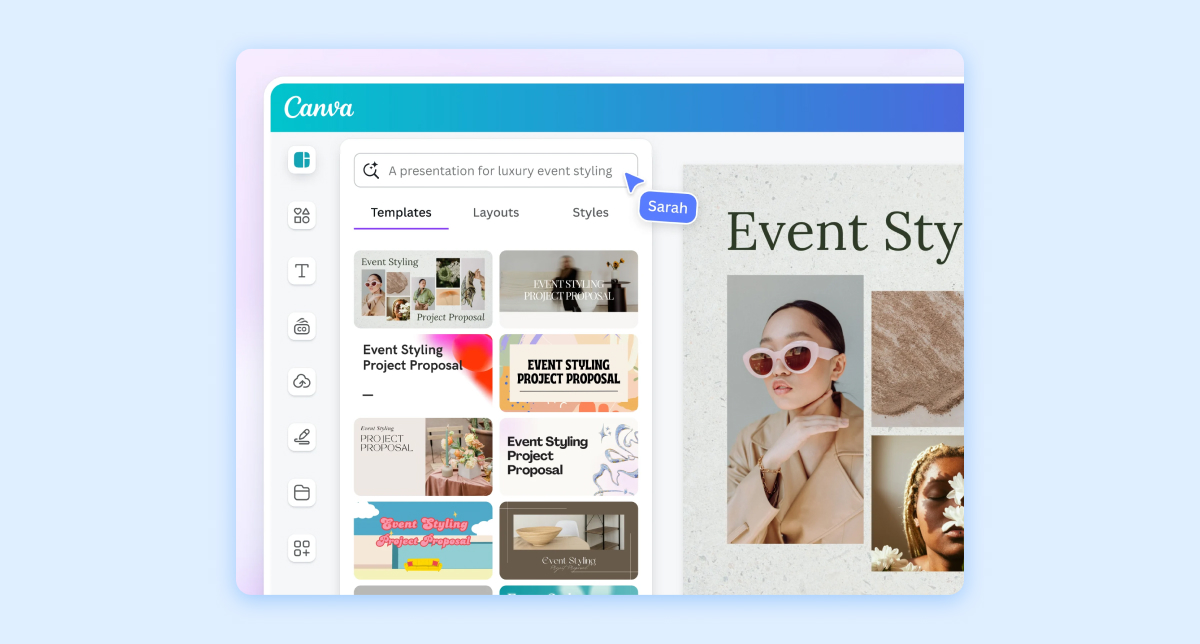
Canva is basically the internet’s favorite design tool. From Instagram posts and pitch decks to brand kits and marketing campaigns, Canva makes it ridiculously easy for brands to create polished, on-brand visuals without needing a full creative team on standby.
Key Features:
- Brand Kits to keep logos, fonts, and colors consistent across every design.
- Magic Studio AI Tools to generate visuals, resize content, and speed up workflows with AI.
- Templates for social posts, presentations, ads, and media kits.
Best For: Perfect for small-to-mid-sized businesses, creators, startups, agencies, and social media teams looking for fast, collaborative, and beginner-friendly design tools.
Pricing/Packaging Options: Free plan and paid plans starting at $15/month.
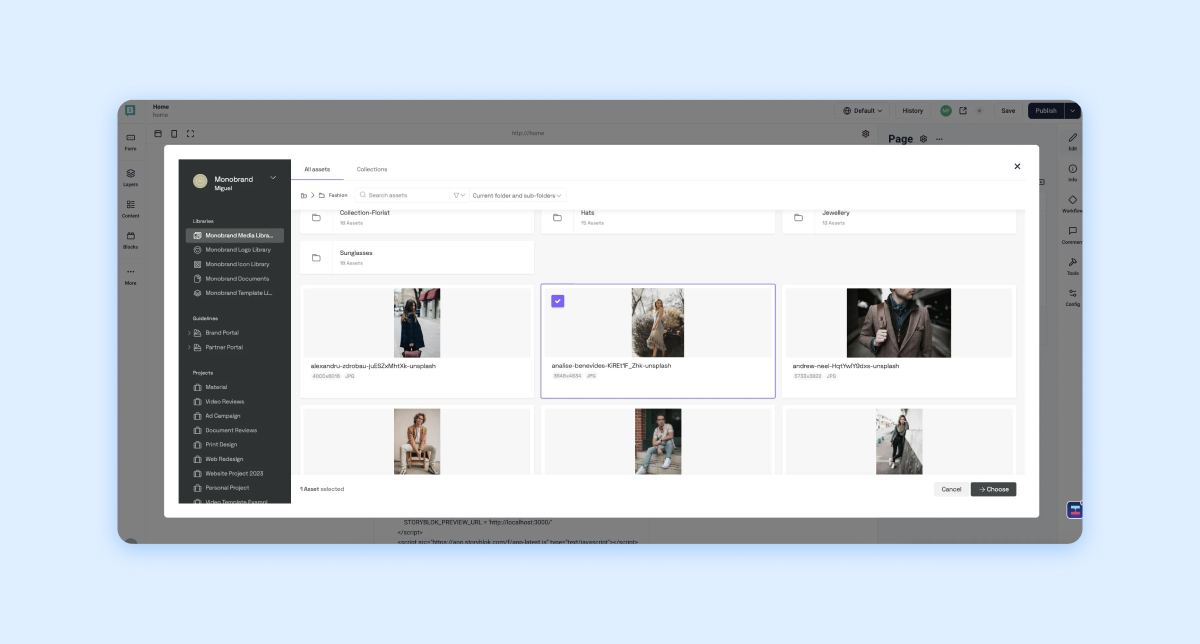
7. Frontify
Frontify is a brand management platform that helps teams build, manage, and scale their brand identity in one centralized hub. It keeps everything from brand guidelines to creative assets organized and easily accessible, enabling teams to stay standardized across every channel. In short, it helps brands protect their identity while making collaboration smoother and faster.
Key Features:
- Centralized Brand Hub to store logos, fonts, templates, and guidelines in one easy-to-access place.
- Digital Asset Management (DAM) to organize and share approved assets without the endless Slack hunting.
- Collaborative Workflows so teams can review, comment, and approve creative in real time.
Best For: Mid-sized to enterprise brands, creative teams, agencies, and marketing departments managing multiple campaigns, assets, or global brand consistency.
Pricing/Packaging Options: Custom pricing based on business needs and team size.
8. Buffer
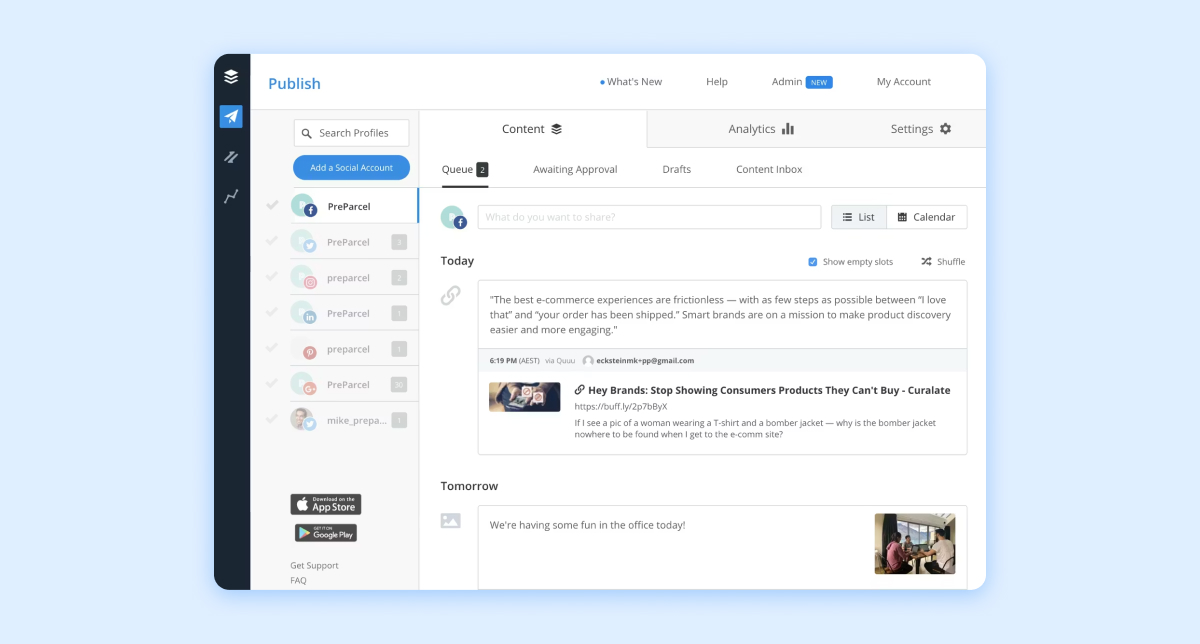
Buffer is like your brand’s social media sidekick, helping you plan, schedule, and publish content across major platforms. It keeps content calendars organized, makes publishing easier to manage, and gives brands a clearer way to stay visible, intentional, and on-brand without posting everything in real time.
Key Features:
- Smart scheduling and queue management help teams plan content ahead of time and publish automatically.
- Simple analytics dashboard to track performance without drowning in data overload.
- Collaboration tools help teams plan, review, approve, and manage content together without slowing down the workflow.
Best For: Small to mid-sized businesses, startups, creators, and marketing teams who want a clean, no-fuss way to manage social media without needing a full enterprise tool.
Pricing/Packaging Options: Offers a free plan, with paid plans typically starting at $6/month per channel.
9. Brandwatch
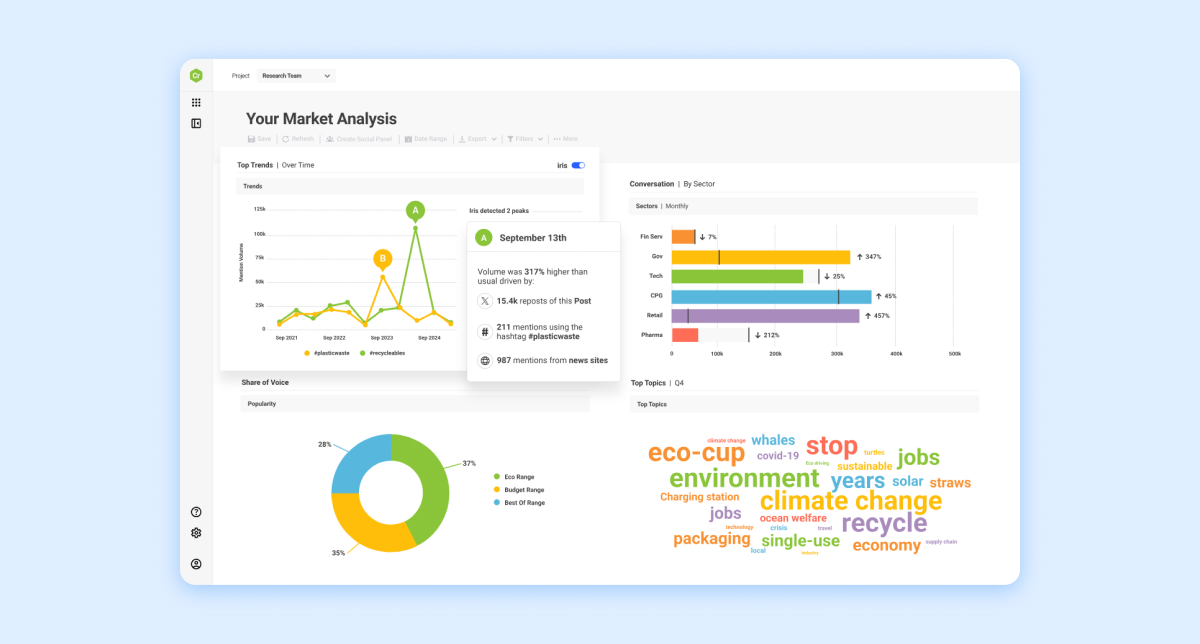
Brandwatch is basically your brand’s all-seeing social media eye. It’s a consumer intelligence platform that helps you track conversations, analyze sentiment, and understand what people are really saying about your brand online. It turns social chatter into clean, actionable insights so you’re never guessing where the next opportunity is coming from.
Key Features:
- Social Listening at Scale to monitor millions of online conversations in real time.
- Advanced Analytics and Sentiment Tracking to understand how people feel, not just what they say.
- Consumer Intelligence Dashboard to spot trends, themes, and audience insights fast.
Best For: Mid to large-sized brands and agencies, especially in retail, FMCG, tech, and enterprise marketing teams that need deep audience insights and reputation management at scale.
10. Planable
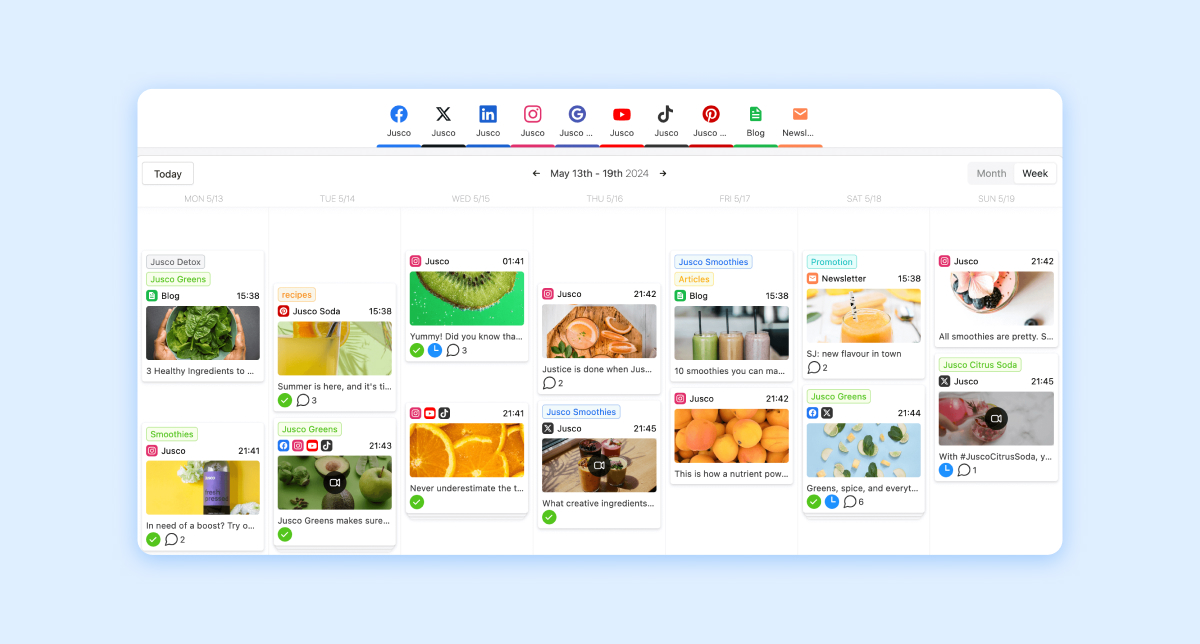
Planable is like the group chat your marketing team actually needs. The collaborative social media management tool makes planning, approvals, and publishing easier by giving teams one visual space to review posts, share feedback, manage edits, and approve content before anything goes live.
Key Features:
- Visual content calendar for easy drag-and-drop planning.
- Real-time collaboration and approvals so feedback happens fast, not lost in email threads.
- Post previews for every platform so you know exactly how your content will look before it publishes.
Best For: Marketing teams, agencies, and growing brands that need structured collaboration. Especially those managing multiple stakeholders, client reviews, or content-heavy campaigns.
Pricing/Packaging Options: Free plan available, with paid tiers starting around $11 to $22+ per user per month, depending on team size and feature needs.
How To Choose the Right Brand Management Platform for Your Team
With so many platforms out there, choosing the right brand management tool can feel like picking a new Netflix show to binge at the end of a long week. Too many demos, too many trials, and too many “all-in-one” promises.
The truth? The best platform isn’t the one with the longest feature list; it’s the one that actually fits your team’s workflow, goals, and content style.
Your team may need faster approvals, stronger brand alignment across channels, or a better way to keep outdated assets out of circulation. Whatever the priority, the right tool should make daily work easier, clearer, and more connected.
Here’s what to look for before you commit.
Know what you want to achieve
Before you start comparing platforms and booking demos, hit pause and ask yourself: What’s actually slowing your team down right now?
Maybe approvals take too long. Maybe brand assets are hard to find. Maybe your messaging feels different across every channel. Maybe customer DMs are piling up faster than your unread emails.
Start with the friction. The right tool should solve the problems your team is already feeling, instead of adding another platform to manage.
Your goals should shape your tool choice. If your focus is brand awareness, look for strong analytics and content performance tracking. To improve engagement and community management, prioritize publishing, listening, and inbox tools. For smoother collaboration across teams, approval workflows and asset libraries will matter most.
The clearer your goals are, the easier it is to find a platform that supports your team beyond the sales deck.
Uncover how you and your team work
Not every brand management platform is built for every team. A tool that works for a solo creator managing a few TikTok accounts probably won’t cut it for a global brand managing five sub-brands, 20 approvals, and a never-ending content calendar.
If you’re a smaller team, you’ll likely want something simple, affordable, and easy to use without a 45-minute onboarding call. Tools like Canva or Buffer can be great for keeping content organized without overcomplicating your workflow.
Mid-sized teams? Collaboration becomes everything. Think approvals, scheduling, shared assets, and analytics all living in one place. Platforms like Hootsuite, Planable, or Sprout Social help keep everyone aligned and your content machine running smoothly.
And for enterprise-level brands? You’ll probably need the heavy hitters like advanced permissions, multi-brand management, asset libraries, and deep reporting. That’s where tools like Dash Social, Bynder, or CoreMedia step in and say, “Don’t worry, I got this.”
Solidify what you need on a daily basis
Start by thinking about what your team actually needs every single day. Are you constantly reviewing content? Managing approvals? Hunting down the most up-to-date logo file? Tracking performance across social?
It’s also important to look at integrations. If your platform doesn’t play nicely with the tools your team already uses, things can get messy fast. A good brand management tool should fit into your tech stack naturally, making it easier to keep content, data, and collaboration moving without extra manual work.
And please, don’t ignore ease of use. If your team needs endless training sessions and a prayer circle just to upload an asset, that’s probably a red flag. The best platforms are intuitive, collaborative, and easy enough that your whole team will actually want to use them.
Be realistic about what you can sustain and afford
We all love a shiny new platform moment, but if your team can’t realistically maintain it or your budget starts crying after month one, it’s probably not the right fit.
The best brand management tools should grow with your team, not force you into a complete workflow crisis six months later. Think about scalability: can the platform handle more users, more content, and more channels as your brand expands? A tool that works for a three-person marketing team today should still make sense when your social presence levels up tomorrow.
Budget matters too. Some platforms are perfect for enterprise teams, while others are built for leaner teams that still want powerful features without the scary invoice energy. This is where free trials come into play. Testing out a platform before committing gives your team a chance to explore the interface, workflows, and collaboration features to see if it actually fits your day-to-day needs instead of getting locked into something that looked cute in the demo but is stressful IRL.
Brand Management Tool FAQs
What is the most user-friendly tool for managing branded content?
If you want an easy-to-use platform for scheduling, approvals, and keeping your socials looking consistent, tools like Dash Social, Canva, and Planable are popular picks for a reason. The key is choosing a tool your team will actually enjoy using because no one wants brand management to feel like homework.
Who offers AI-powered benchmarking for branded content?
Platforms like Dash Social and Brandwatch offer AI-powered benchmarking to compare branded content performance against competitors, industry trends, and historical data, so your team can post with more context and confidence.
What is the difference between brand management software and social media management tools?
Brand management software helps teams protect and manage the full brand experience, including assets, messaging, approvals, campaigns, content workflows, and cross-channel consistency.
Social media management tools focus more specifically on planning, publishing, engaging, listening, and reporting across social channels.
The overlap is growing. Many social media management platforms now support broader brand management needs, especially for teams that use social as a key brand channel. The main difference is scope. Brand management software supports the brand as a whole. Social media management tools support how the brand shows up and performs on social.
Which brand management tools are best for small businesses or startups?
For small businesses or startups, the best brand management tools are usually simple, affordable, and easy to set up without a big team or a long onboarding process. Tools like Buffer, Canva, and Planable are strong options for smaller teams that need help planning content, keeping assets organized, collaborating on approvals, and publishing consistently.
How do brand management tools help maintain brand consistency across social media platforms?
Brand management tools keep social content aligned by centralizing approved assets, messaging, approvals, and publishing workflows. Tools like Frontify and Bynder help teams manage brand assets, while platforms like Dash Social and Sprout Social help plan, review, publish, and measure social content across channels.


.jpg)